
How to Activate BOI Mobile Banking App: It was Sunday morning. Sandeep wanted to check if his salary had been credited to his account. Earlier, he would have gone to an ATM or a branch. But today, he opened the BOI mobile app on his mobile, logged in within seconds and checked his account balance. Today, lakhs of Bank of India customers are availing banking services from home using mobile banking.
If you are a Bank of India customer and are looking for information about how to activate the BOI mobile banking app, then this article will guide you completely according to the official Bank of India information.
Before activating BOI Mobile Banking, it is important to understand what mobile banking is and how it works.
Key Takeaways
- ✅ How to activate BOI mobile banking requires a mobile number linked to the account and the BOI Mobile Omni Neo app.
- ✅ BOI Mobile Banking registration can be completed in a few minutes through OTP verification and MPIN setup.
- ✅ An active debit card may be required to get transaction rights.
- ✅ After starting mobile banking, facilities like balance check, UPI payments, fund transfer and mPassbook can be used.
- ✅ While using BOI Mobile Banking, OTP, MPIN and passwords should not be shared with anyone.
- ✅ By understanding how to activate the BOI mobile banking app, Bank of India customers can avail 24×7 secure digital banking from the comfort of their homes.
What is the BOI Mobile Banking App?
BOI Mobile (Omni Neo) is the official mobile banking application of the Bank of India. Through this app, customers can access many facilities like checking their account balance, using mPassbook, doing UPI transactions, sending money through NEFT/RTGS/IMPS, and checking FD and loan accounts.
The Bank of India has launched the new BOI Mobile Omni Neo App instead of the old BOI Mobile App, and the old app has been discontinued.
Things required to start BOI Mobile Banking
How to activate the Boi mobile banking app Before starting the process, keep the following things ready:
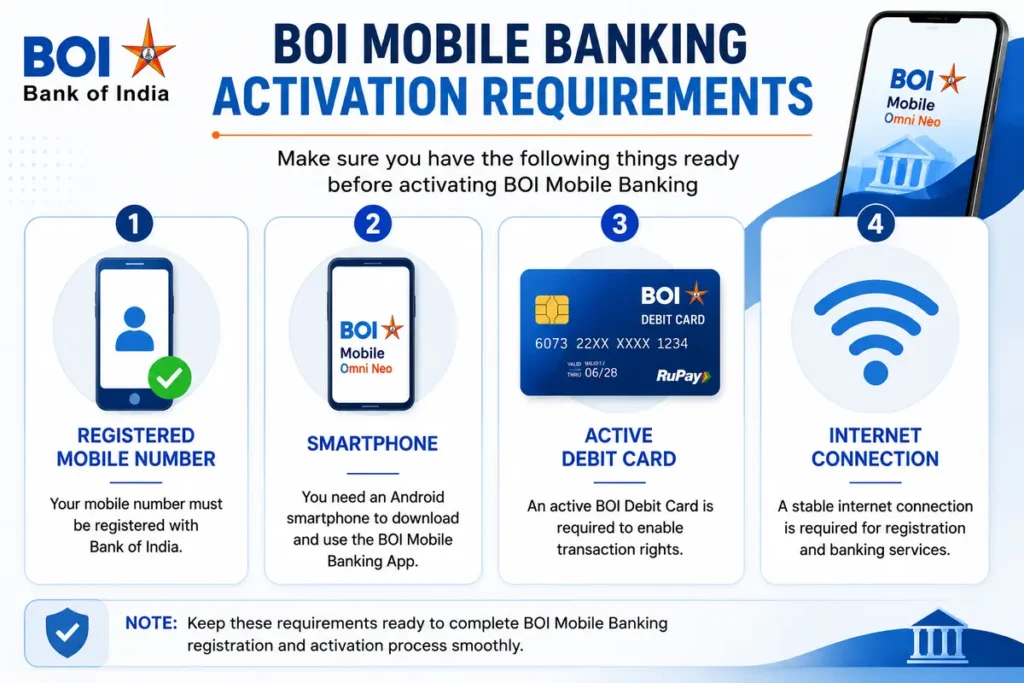
| Requirement | Details |
|---|---|
| BOI Savings Account | An active Bank of India savings account |
| Registered Mobile Number | A mobile number linked to your BOI account |
| Smartphone | Android or iPhone device |
| Internet Connection | Mobile data or Wi-Fi connection |
| Active Debit Card | Required to enable transaction rights and complete verification |
According to official information from the Bank of India, to activate transaction rights, an active debit card, that is, a debit card that has not yet expired, may be required.
How to Activate BOI Mobile Banking App – Step-by-Step Process
If you are looking for information about how to activate the BOI mobile banking app, then the process is quite simple and can be completed in a few minutes. The Bank of India’s official BOI Mobile Omni Neo app allows customers to check account balances, transfer money, make UPI payments, view mPassbook and use many other banking services from their mobile.
To start mobile banking, you need to have a mobile number linked to your account, a smartphone, an internet connection and an active debit card. You can easily activate BOI Mobile Banking by following the step-by-step process given below.
Step 1: Download BOI Mobile App
First of all, download the BOI Mobile OmniNeo app. To download this app, you have to visit the official website of this bank or go to the Google Play Store and search for the Bank of India Mobile Banking App and download it, which is your official mobile app.
- If you are using an Android mobile, you can download it from the Google Play Store.
- If you are using an iPhone, you can download the BOI Mobile Banking App from the App Store.
The mobile banking app required for both types of mobiles is BOI Mobile, which is the official mobile banking app of the bank, according to the official information of the Bank of India.
Step 2: Open the App and select Registration
After installing the Bank of India mobile banking app on your mobile:
- Open this App
- After this, select the preferred language that you are using
- Accept the Terms & Conditions that appear on the display of your mobile.
– Now you will see the New Registration option on the display of your mobile dashboard; select it.
According to the BOI Mobile Banking FAQ, new users have to start the registration from the app itself.
Step 3: Verify Registered Mobile Number
This important step means that now the app will check the mobile number linked to your account. For this, you:
- Select the correct SIM that your mobile number is linked to the bank account
- Then complete the OTP verification by entering the OTP that will come on your mobile. Then the verification will be successful.
- Remember that the mobile number must be linked to the account for this
The Bank of India’s official FAQ mentions registration through a mobile number.
Step 4: Select Customer ID
The fourth important step is that there can be multiple Customer IDs linked to one mobile number. In such a situation:
- This banking app will show all the Customer IDs on your mobile
- Then you select the correct Customer ID of this bank
- After that, your related accounts will appear
This process has been mentioned in the official FAQ of Bank of India.
Step 5: Debit Card Verification
The bank will ask for some information from you to get Transaction Rights, such as,
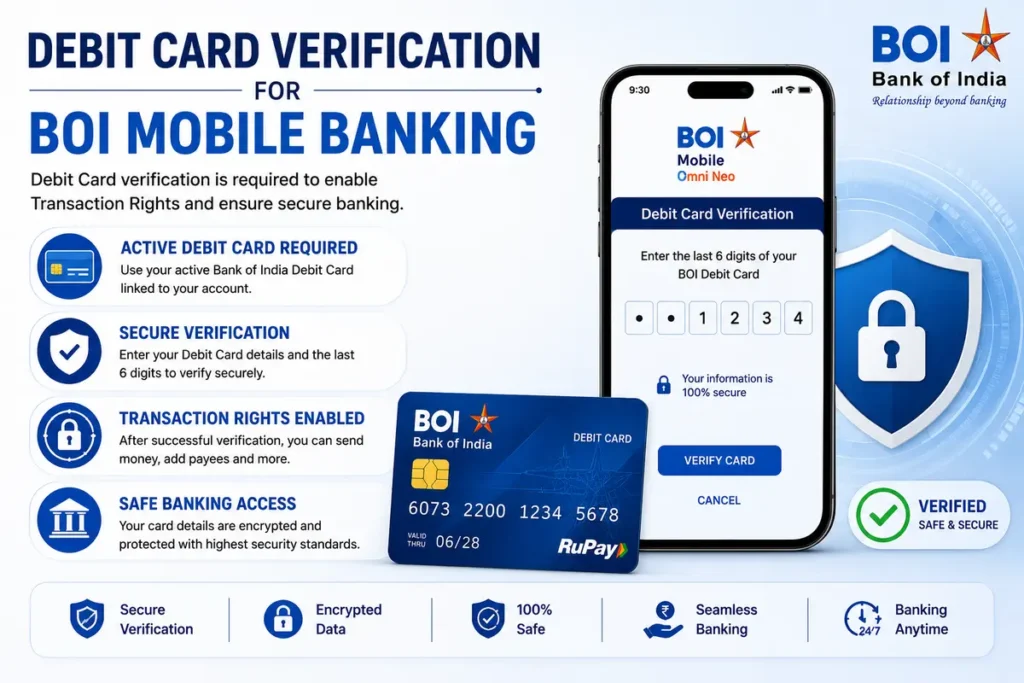
- Enter Active Debit Card Number. Enter the debit card number that your debit card is linked to and should be active.
- Fill in other required information
- And then complete the Verification
According to the official website of the Bank of India, transaction rights are activated through an active debit card.
A debit card plays an important role in activating transaction rights in BOI mobile banking. If you want to know more about the workings, benefits and how to use a debit card, you can read this detailed guide What is a debit card?
Step 6: Create MPIN
After completing all the above processes, now:
- You will have to set a new MPIN.
- After setting, confirm the MPIN
- Now from now on, you will have to use the same MPIN to open the mobile banking app.
MPIN is the keeper of your mobile banking.
Step 7: Start using mobile banking.
After completing all the above processes properly, you can now check your balance. You can also view your mPassbook. You can also transfer funds to your friends, relatives or other people. Now you can also make UPI payments. You can also make a chequebook request to the bank from this app. If you want to make a withdrawal from an ATM, you can also find the ATM near you from this app; this is called ATM Locator.
You can easily use such great facilities.
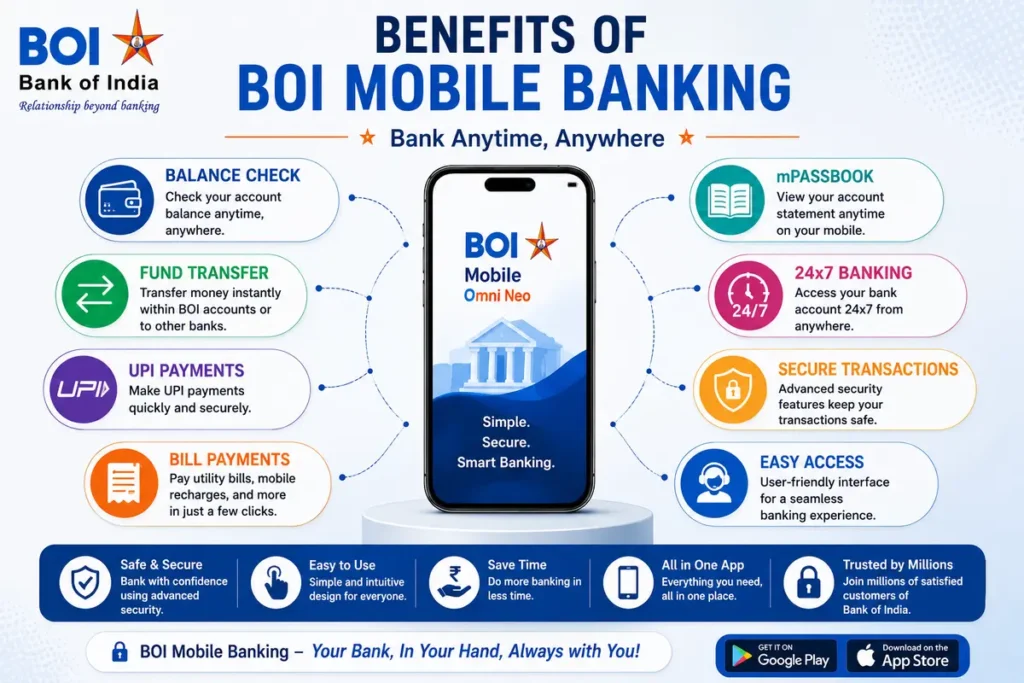
Key Benefits of BOI Mobile Banking
After activating mobile banking, every bank customer should know the key benefits of this mobile banking. Now let us see what the key benefits of this Bank of India mobile banking are.
1. 24×7 Banking
After activating the mobile banking application, every customer can now get all the services in mobile banking 24 hours a day, anywhere, i.e., there is no need to depend on the branch timings.
2. UPI Payments
Another important benefit of this is that by opening the mobile banking app and going to scan a QR code, you can make payments to others at any time.
UPI, IMPS and other online transactions can be easily done through the BOI Mobile App. To know the complete information about digital transactions, read this guide article, ‘What is Digital Payment?’
3. Fund Transfer
Fund transfer means that you can now transfer money from your account using IMPS, NEFT and RTGS facilities through this mobile banking application. Therefore, the biggest benefit of this application is.
4. mPassbook
Initially, every person had to go to the bank to view their account passbook, but after activating Bank of India’s mobile banking, Bank of India customers can now view their passbook on their mobile, meaning they don’t need to go to the branch to update their passbook.
5. Loan and Deposit Accounts
The biggest advantage of this mobile banking is that after opening the mobile banking app, you can see all the details of the loan you have taken and different deposit accounts, if any, on the dashboard in front of you.
Common Problems in BOI Mobile Banking Registration
Problem 1: Technical Error: Onboarding Not Allowed
According to Bank of India’s FAQ, the following reasons may arise:
- This problem may arise if the mobile number is not linked to the retail customer ID.
- This problem may arise if the Aadhaar, gender or DOB information is incorrect.
- Some types of accounts are not eligible for mobile banking, in which case this error or problem may also arise.
Problem 2- Unable To Reach Server Error
If this error appears, then you should keep in mind some important things such as checking the Internet connection of your mobile at such a time.
Try using your mobile data. Or restart the app, after which this error may be resolved.
Problem 3: Device Detail Doesn’t Match Error
This problem can usually arise even if the app is registered on another mobile or if you change your mobile number. In such a case, you may have to register again.
Security Tips While Using Mobile Banking
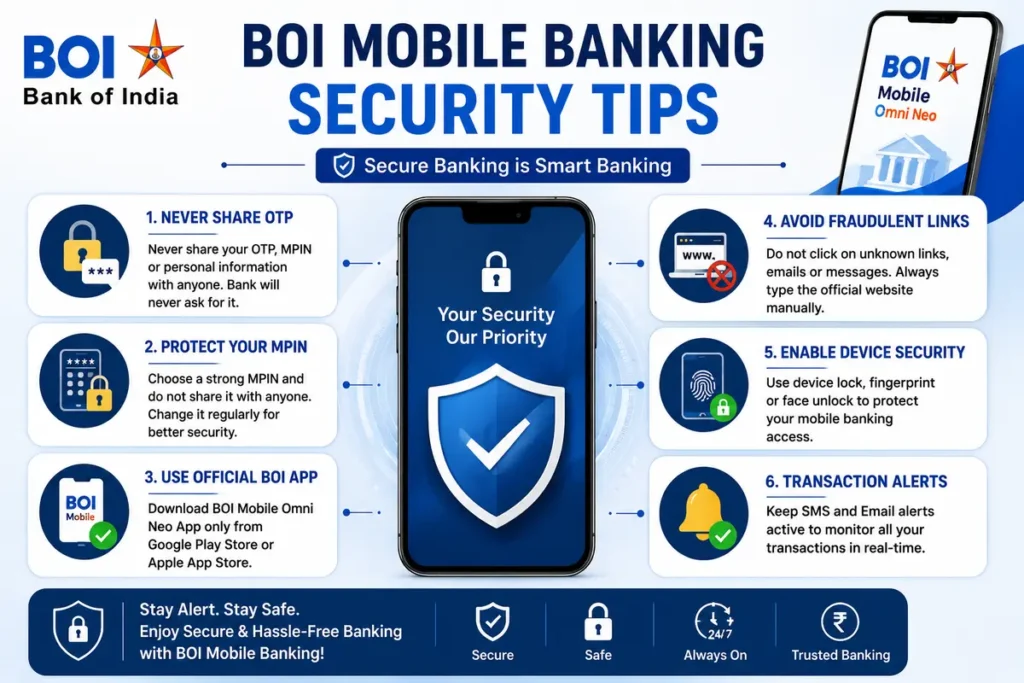
If you are using mobile banking, then you should keep some important security tips in mind while using this mobile banking.
The following are very important for Bank of India customers:
- Do not tell anyone the OTP that comes on your mobile.
- Do not share your mobile banking MPIN
- Use only the official BOI Mobile App
- Do not click on suspicious links. Fraud can occur.
- Be careful of phishing calls. Fraud can occur
The Bank of India has officially advised its customers not to tell anyone their OTP, password and PIN.
Why is awareness important for BOI banking customers?
Even today, many customers do not have proper knowledge about how to activate the Boi mobile banking app. Therefore, they make frequent visits to the branch or depend on others.
If you have the right information about this:
- You will complete the registration in a few minutes.
- You will be able to make secure transactions.
- You will be able to take full advantage of digital banking.
Therefore, this article has been written through the Moneypedia Blog to create awareness about mobile banking among BOI Banking customers.
FAQs: How to Activate BOI Mobile Banking App?
Q.1. Is it necessary to visit a branch to start BOI Mobile Banking?
No. Most customers can register themselves through the app.
Q.2. Is the BOI mobile app free?
Yes. This official app can be downloaded for free.
Q.3. Can I use mobile banking without a debit card?
Some basic features may be available, but an active debit card may be required for transaction rights.
Q.4. Is the BOI mobile app secure?
Yes. Security is enhanced with OTP, MPIN and device verification.
Conclusion
In today’s digital age, it has become important for every Bank of India customer to understand the process of how to activate the BOI mobile banking app. With the help of the BOI Mobile Omni Neo app, it has become possible to check account balance, make UPI payments, transfer money and use many other banking services from home. By following the official steps given in this article, you can activate mobile banking in a few minutes.
If you are still confused about how to activate the BOI mobile banking app, then be sure to tell us in the comments and start enjoying the benefits of digital banking by downloading the BOI Mobile App today.
Author’s Note: All the important information regarding how to activate the Boi mobile banking app in this article is based on the official website of the Bank of India, the official FAQ document and the official information of the BOI mobile app. It may be useful to check the latest updates on the official website of Bank of India before publishing the article.
References
- Bank of India Official Website
- BOI Mobile Omni Neo Official FAQs
- BOI Mobile Banking Services Documentation
- BOI Digital Banking Portal
- BOI Mobile App Official Listing

Hello! I’m Abhijeet Bendale, founder of MoneyPedia (Your Trusted Banking Guide). With 8 years of experience in the education field, I aim to simplify banking and personal finance topics for everyday readers through easy-to-understand guides and tutorials.
At MoneyPedia, I share informative content on UPI, digital payments, net banking, ATM and debit cards, mobile banking, and other essential banking topics to help users make smarter financial decisions with confidence.